
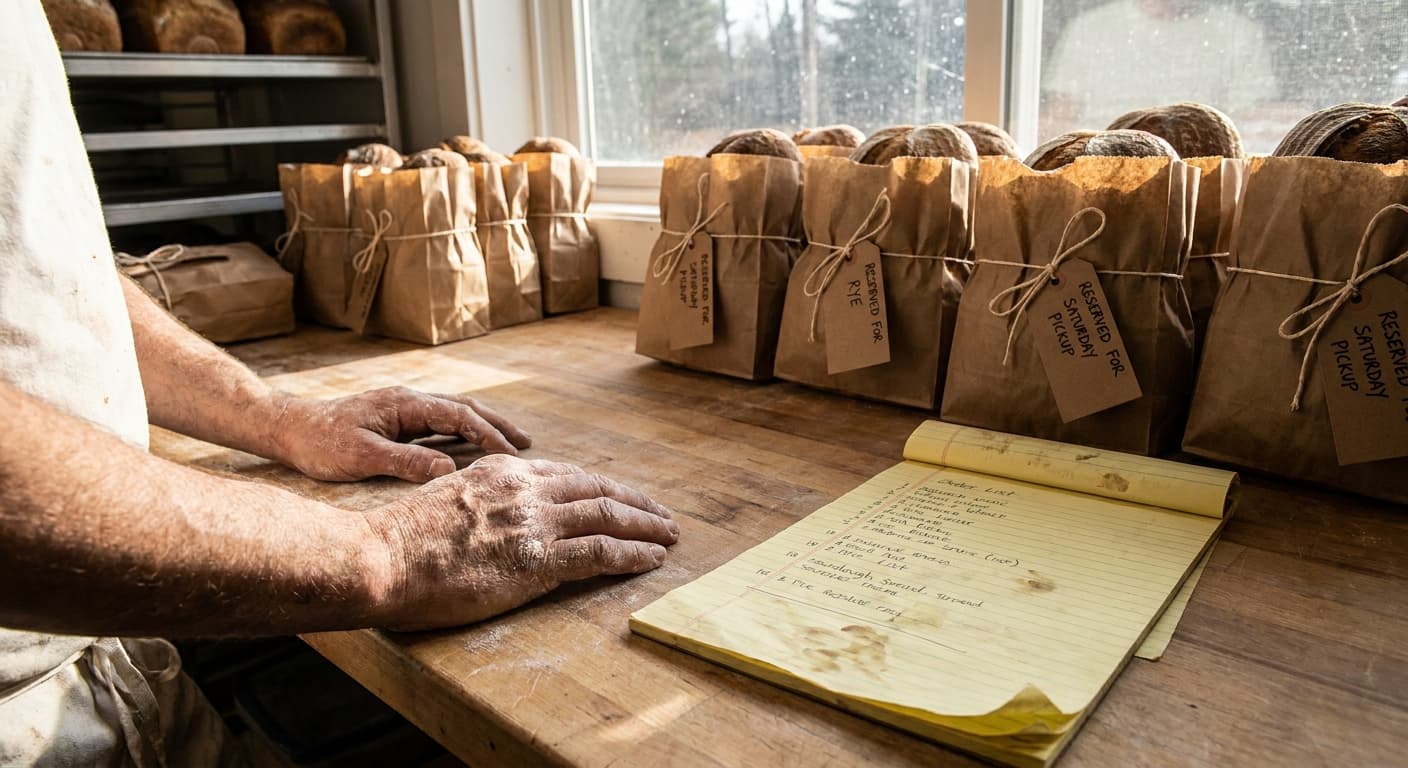
It is Thursday evening — the night before you need to know your pre-orders. There is flour on the counter and dough still sticky on your hands when your phone starts buzzing.
You wipe a finger clean enough to unlock the screen and immediately wish you had not. Instagram is open to three different DMs. Facebook Messenger has a notification from the neighbor down the street. A text just came in: "Hey — is there still sourdough left for Saturday?" Your spreadsheet has Sarah M. crossed out twice and you genuinely cannot remember if she paid or if you just thought she did.
Then you see it. An Instagram message request sitting in the filtered folder you never check, sent four days ago. Someone wanted a rye loaf. You never replied. You do not have enough dough mixed to add one now.
You set the phone face-down on the counter and stare at the ceiling for a moment.
You have been at this for eight months. You have regulars. People tag you in posts. A neighbor asked to add you to the neighborhood group chat and you said yes, and now you have forty new followers and no clean way to know which of them actually intend to order.
This is where most home bakers find themselves before they build a real system. The orders are coming in. The problem is that they are coming in from everywhere — every app, every inbox — and being tracked in a spreadsheet that made sense at ten customers and does not make sense anymore.
This guide walks through how to take pre-orders for your home bakery the way a porch-pickup baker actually operates — from setting your order window to baking the right quantities to putting the right label on the right bag. It is written for bakers running a weekly bread drop or Saturday pickup, not for custom cake decorators or farmers market vendors whose workflows are different enough to need their own guides.
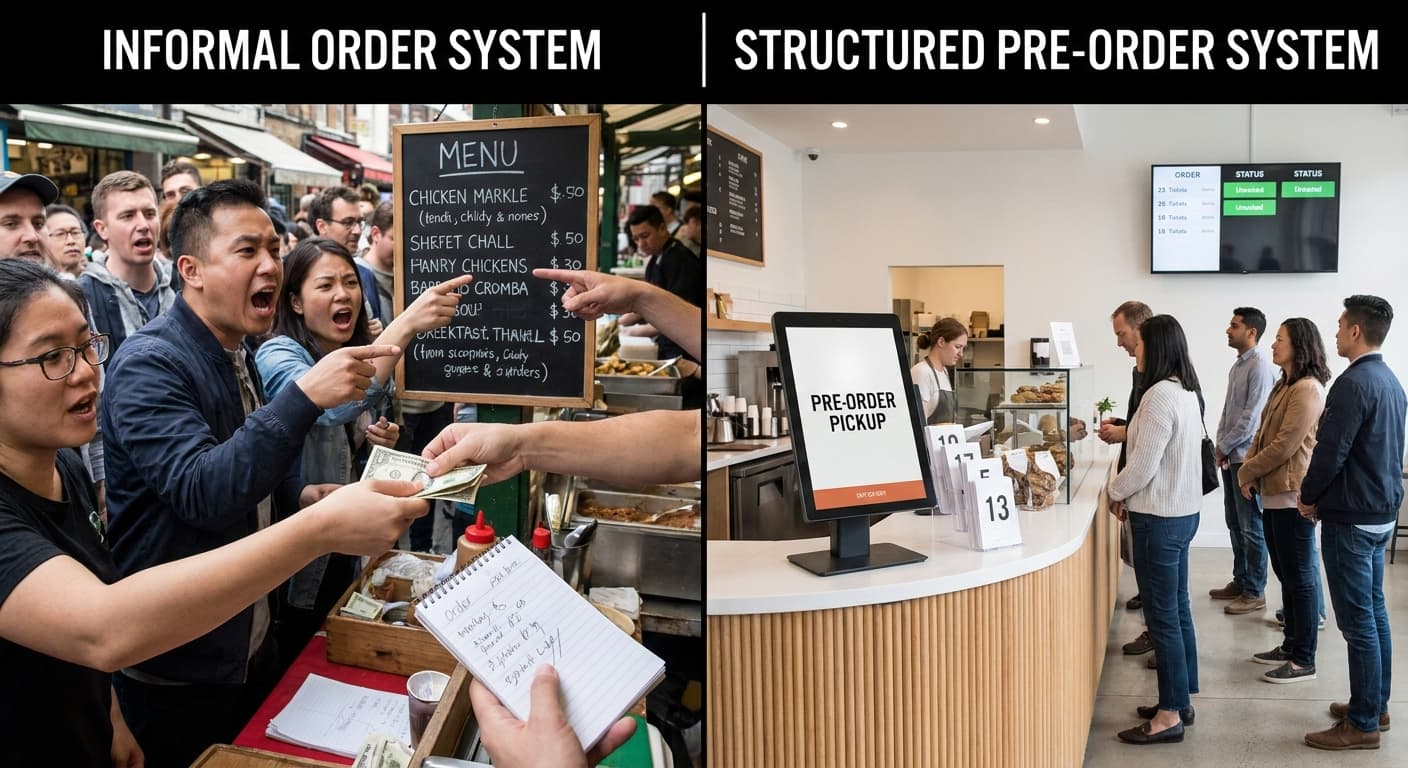
Why Informal Order Systems Break
There is a threshold every home baker hits. Below it, managing orders through DMs, texts, and a spreadsheet is uncomfortable but survivable. Above it, things start falling through the cracks in ways that cost you inventory, customers, and Saturday mornings.
That threshold is around fifteen orders a week.
Call it The 15-Order Wall.
Below fifteen, you can hold most of it in your head. You know your regulars. You remember that Katie always takes two cinnamon rolls and that David K. prefers the seeded loaf. A spreadsheet row per customer, a Venmo request when they pick up, a text if something sells out. Inconvenient, but functional.
Above fifteen, the system that was working starts failing in specific ways:
Inventory oversells. Two customers DM you about the same last rye loaf. You confirm it to the first one. The second one shows up Saturday and you have nothing for them.
Messages get missed. Instagram DMs, Facebook Messenger, texts, and email are four separate inboxes. A message sent to the wrong one on a busy Thursday sits unread until after pickup.
No payment confirmation. A customer orders, does not Venmo until the day before, and you are not sure if they are actually coming. You baked for them anyway. They do not show.
Bake day surprises. You pull up your spreadsheet at 6am and realize you have not reconciled it with your DMs since Tuesday. You do not actually know how many cinnamon rolls you need to make.
“The 15-order wall is not a failure. It is a sign that demand outgrew the system you built for a smaller operation. Every baker who gets there built something worth getting past.”
These are not organizational failures. They are what happens when the right tool for ten orders — a spreadsheet and direct messages — gets asked to handle thirty. The tool did not break. The volume changed.
What Taking Pre-Orders Actually Means for a Cottage Baker
"Pre-orders" means different things depending on what kind of baker you are. Before going further, it is worth being specific about which model this guide is written for.
A custom order baker takes individual commissions — a birthday cake, a wedding order, a custom cookie set. Each order is quoted separately. Turnaround is days or weeks. The customer describes what they want and the baker produces it. Pre-orders in this context are deposits on commissioned work.
A farmers market vendor shows up with inventory already made and sells until it is gone. There is no advance ordering — customers buy what is on the table that day.
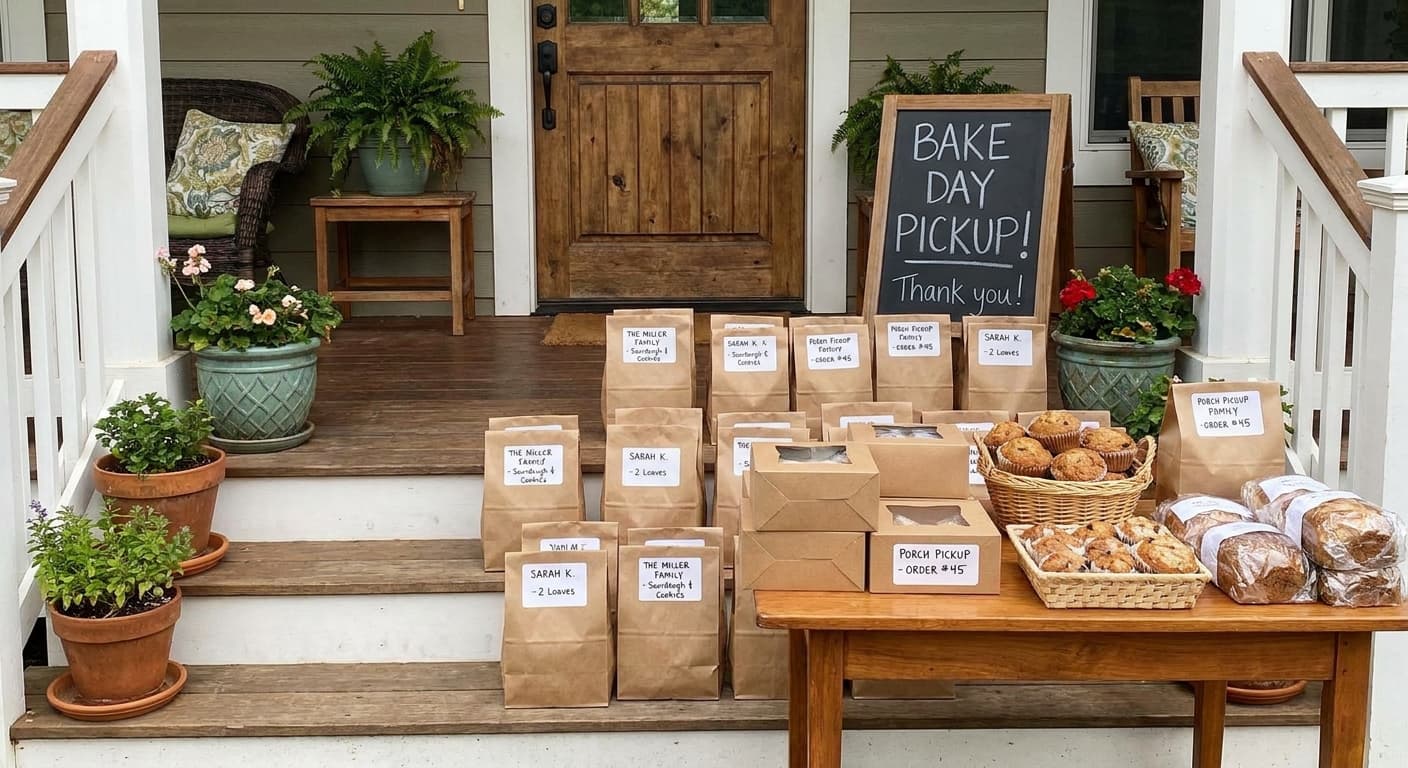
A porch-pickup baker does neither of those things. She opens a weekly batch, announces what is available and how many she is making, collects orders and payment in advance, bakes to fill those specific orders, and fulfills at a set pickup time — usually a Saturday morning or a specific weekday window.
This guide is written for the third baker.
The pre-order model for a porch-pickup operation has a few defining characteristics worth naming:
- Orders are taken in advance for a specific batch, not on demand
- Quantities are capped — you are making a fixed number of each item
- Payment happens before bake day, not at pickup
- Customers know the pickup window before they order
- When the batch closes, it closes — there is no after-the-fact additions
That last point deserves emphasis. A hard close is not unfriendly. It is what makes the rest of the system work.
How to Set Up Your Pre-Order System: Step by Step
A working pre-order system for a porch-pickup baker has six parts. None of them are complicated individually. The goal is to get them connected so each one flows into the next without manual work in between.
- Set your order window. Decide when orders open and when they close. The window should be long enough that your regulars have time to see the announcement, and short enough that you are not managing a two-week open order list. Four to five days works well for a weekly batch.
- Build your menu for the batch. List what is available, at what price, and in what quantity. Quantities are not optional — an uncapped menu is how inventory oversells. If you are making twelve cinnamon rolls and twelve sourdough loaves, say so.
- Give customers one place to order and pay. Every channel your customers can order through is a channel you have to monitor and reconcile. One form, one payment link, one confirmation email. The fewer places an order can land, the fewer places it can get lost.
- Send order confirmations automatically. A customer who does not receive a confirmation does not know their order went through. They will DM you to check. Automatic confirmations eliminate that message before it is sent.
- Close the batch and build your bake list. When the order window closes, your bake list should generate itself from the orders. How many of each item, in what quantities, for which customers. No manual counting. No cross-referencing.
- Communicate pickup logistics. Day, time, location, what to do if they cannot make it. Send this when the order is confirmed and again the day before pickup. Customers who know the plan show up to it.
The Order Window: How to Structure Your Week
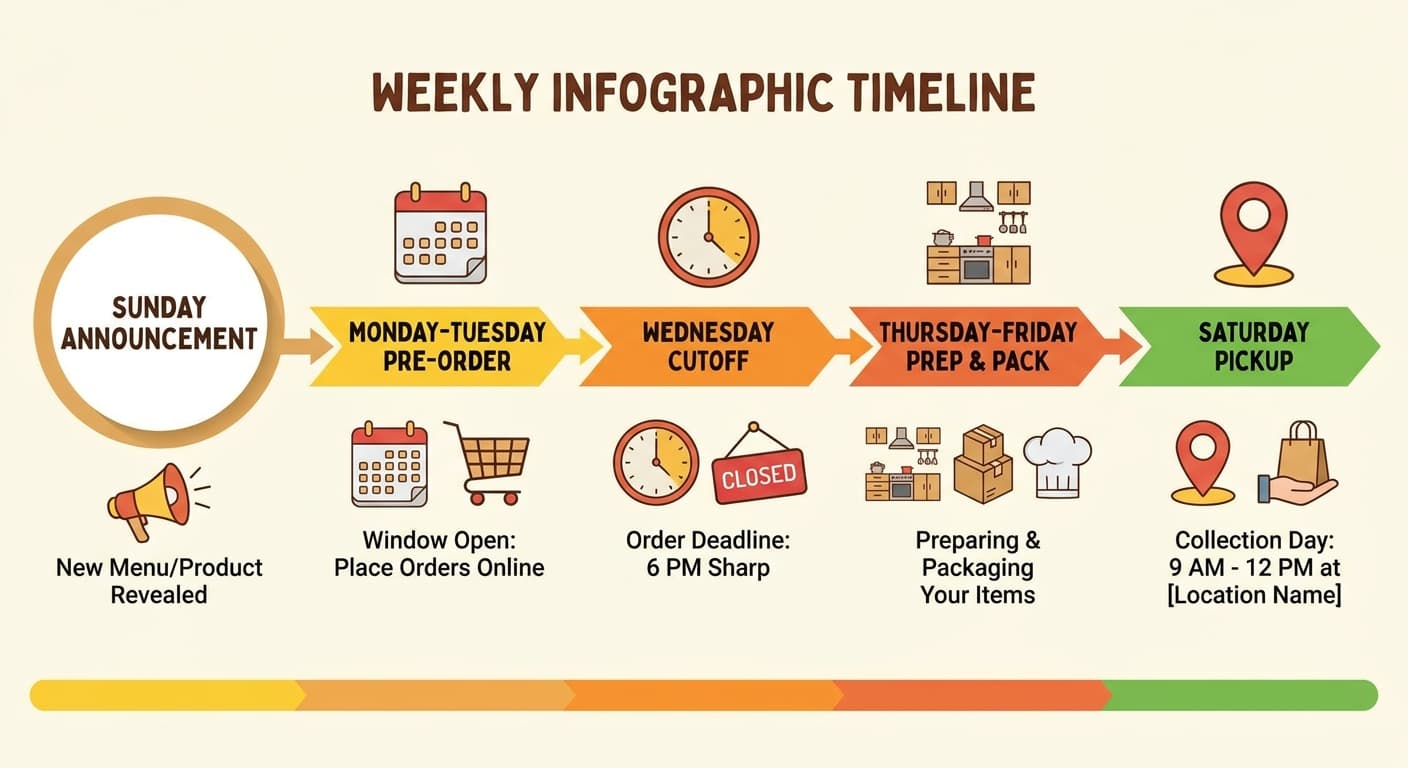
Most porch-pickup bakers run on a weekly rhythm. The most reliable version looks something like this:
Sunday evening — Before orders open, post a preview of what is coming. A photo of last week's crumb, a teaser of the new flavor you're adding this week. You are not taking orders yet — you are building anticipation. Regulars who see the Sunday preview will be ready when the link goes live Monday morning.
Monday — Orders open. Post the full menu with quantities, price, the cutoff time, and the pickup window. One announcement across all your channels. Your most loyal customers will move fast.
Wednesday at 8pm — Orders close. No exceptions.
Thursday and Friday — Bake to fill orders. Shop for anything you need. Your quantities are locked.
Saturday morning — Pickup window opens.
The Wednesday-at-8pm cutoff is the most important part of this rhythm and the part bakers resist most. It feels rigid. It feels like you might lose a sale from someone who tries to order Thursday morning and cannot.
You will lose some sales. You will also know your exact quantities before you go to the store on Thursday, bake the right amounts, not scramble to fit a last-minute order into a full bake schedule, and not show up to Saturday pickup having made six extra loaves for a customer who added themselves at the last minute and then did not come.
The cutoff protects your Thursday. That is worth an occasional lost order.
Communicating the cutoff matters as much as having one. Put it in every announcement. "Orders close Wednesday at 8pm — after that I am baking what I have." Customers who understand why a cutoff exists respect it. Customers who have never seen one explained may push against it once and then adjust.
When a customer tries to order after the cutoff, a short, kind response works: "Batch is closed for this Saturday but I will announce next week's on Sunday — I will make sure to tag you." That is not a rejection. That is an invitation to the next one.
What to Do When You Are Past the 15-Order Wall
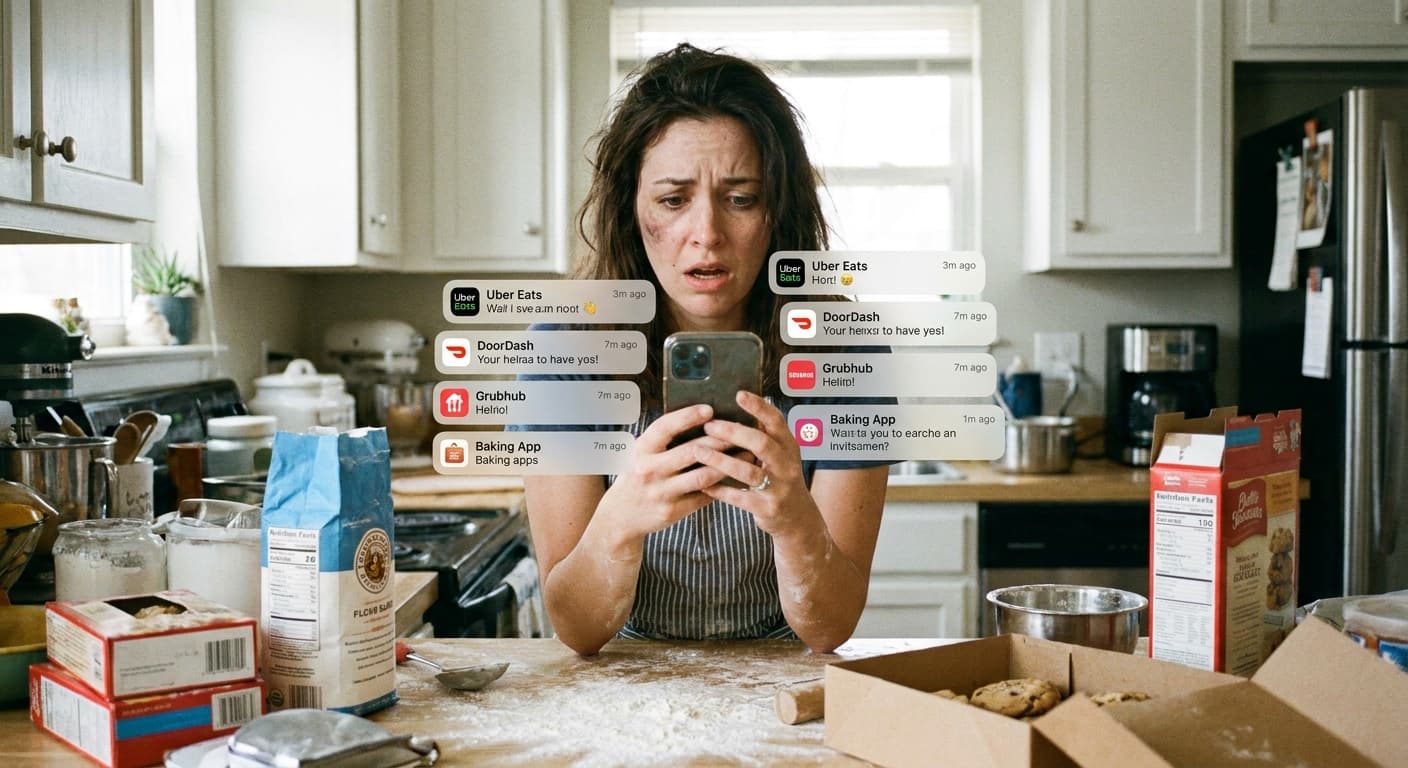
If you are regularly managing more than fifteen orders a week through texts, DMs, and a spreadsheet, the question is not whether you need a better system. The question is how much the current one is costing you.
The cost is real and it compounds: time spent reconciling messages across apps, orders that fall through because a DM sat unread, inventory built on incomplete information, bake days that start with uncertainty instead of a clear list.
The right tool for this stage is a storefront with a built-in order system — one place where customers browse your batch menu, order, and pay, and one place where you see the orders, build the bake list, and print labels.
MyPorch is built specifically for this workflow. Your customers get a clean storefront with your batch menu and real-time availability. You get an order dashboard, a bake list organized by pickup date, and labels that generate from the orders. When a customer pays, the label for that order is frozen — capturing exactly what was in the product at the moment of sale, independent of any changes made afterward.
If you are managing more than 15 orders a week through texts and DMs, set up your free MyPorch storefront in about 15 minutes. The free plan covers your first 10 orders per month. No credit card needed.
Bake Day: From Order List to Labels
A pre-order system that stops at the order is half a system.
The order list is an input. What comes out the other side is a bake list, a set of labels, and a fulfilled batch. The cleaner the connection between those three things, the smoother bake day runs.
When your order window closes, your orders translate into two documents.
The bake list is the aggregate view. It ignores who ordered what and tells you only what you need to produce: 24 country sourdoughs, 12 jalapeño cheddar, 36 chocolate chip cookies. This is what you use to calculate total dough weight, starter requirements, and your oven schedule. You know exactly how many times you need to load the oven before you mix a gram of flour.
The packing list is the individualized view. When the bread has cooled and it is time to bag everything up, you need to know which bag goes to which customer. A label printed from the same system that holds the order makes this exact — the customer's name, what they ordered, what was in it at the moment they paid.
“The bake list should come from the orders. The label should come from the bake list. When all three are connected, bake day is logistics. When they are separate, it is archaeology.”
Labels are also where the connection between order and fulfillment becomes a compliance issue. Cottage food labeling requirements in most states mandate that the ingredient list on the label reflects exactly what is in the product. When your label is printed from the same system that holds the order, that connection is automatic. When your label is a printed sheet in a drawer that you update occasionally, it drifts.
The specific labeling requirements for cottage food — what elements must appear, how allergens must be listed, what the state disclaimer must say — are covered in detail in the Cottage Food Labeling Requirements guide. If you are setting up a pre-order system for the first time, read that guide before you finalize your label design.
Frequently Asked Questions
How do I tell customers when orders are open?
Post your batch announcement wherever your customers already are — Instagram, a neighborhood Facebook group, a group text with your regulars. Include what is available, quantities, price, the cutoff time, and the pickup window. Post at the same time each week. Consistency trains your regulars better than any reminder.
What if I sell out before the cutoff?
Close the batch early and announce it on the same channels where you posted the opening. "Batch is full — thank you, see you next week" is a good problem to have and a good signal to send. Regulars who missed it will prioritize ordering sooner next time. Scarcity is not a bad thing — it tells your community that what you make is worth moving quickly for.
Do I need to charge customers before bake day?
Yes. Charging at the time of order eliminates the most common bake day problem: customers who ordered but do not show. A customer who has paid is committed. A customer who will pay at pickup is an estimate, not an order. Build your bake list from confirmed, paid orders only.
What if a customer needs to cancel?
Have a policy before the first cancellation request arrives, not after. A reasonable standard: full refund if they cancel before the order cutoff, no refund after — the batch was already built around their order. State this in your order confirmation. Most customers who have paid will send someone else rather than cancel.
Do I need a website to take pre-orders?
No. You can start with a form (Google Forms with a separate payment link works at low volume), an order sheet on your own website, or a dedicated storefront platform like MyPorch. The critical thing at any volume is a single place where orders land — not six different inboxes you check and reconcile manually. A website is one way to create that single place. It is not the only way.
Now close out those DMs, set up your storefront, and get back to the kitchen. You have got dough to mix.